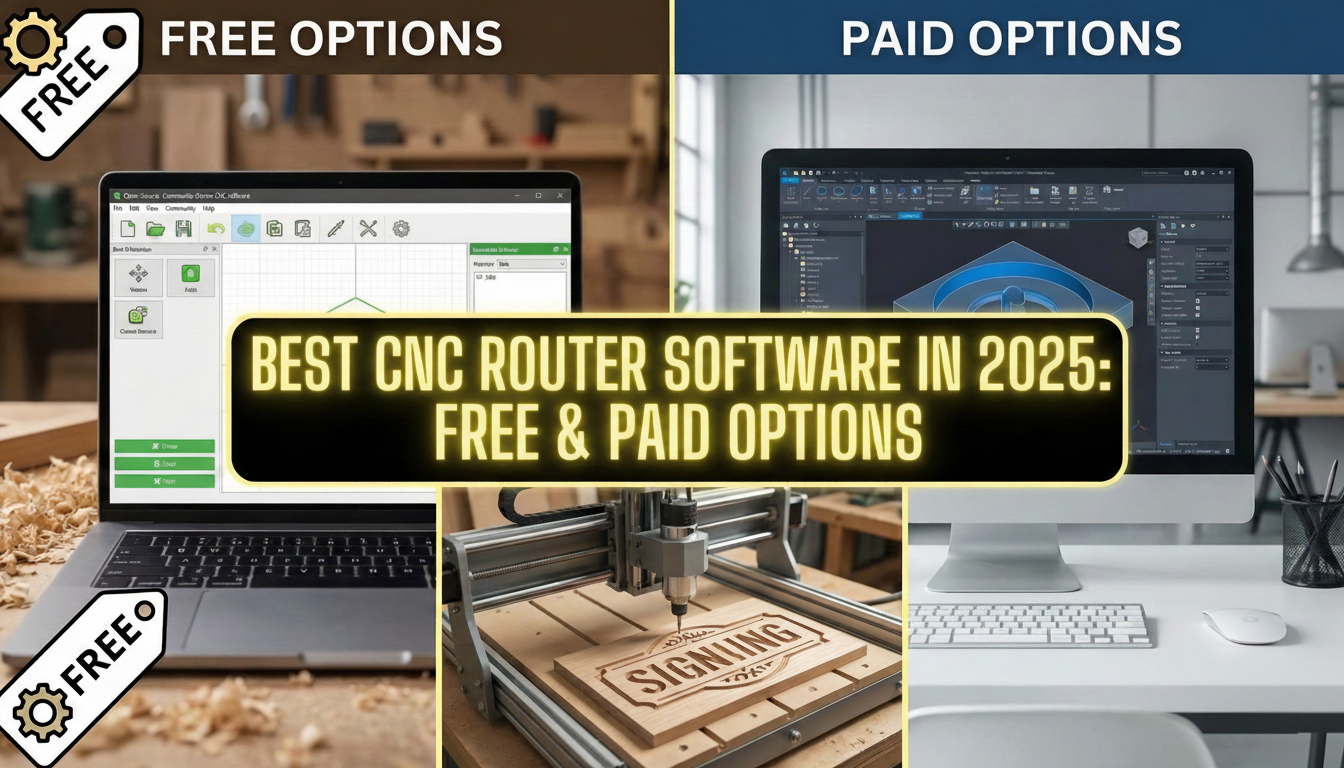
Compare the best CNC router software for design and toolpath generation. From free options to professional suites, find the right software for your needs.
Essential Software for CNC Routing
Running a CNC router requires two types of software: CAD (Computer-Aided Design) for creating designs and CAM (Computer-Aided Manufacturing) for generating toolpaths. Many programs combine both functions, while others specialize in one area. Here's our guide to the best CNC router software options in 2025.
Understanding CAD vs CAM
Before diving into specific programs, understand the software workflow:
CAD Software
CAD programs let you create 2D drawings and 3D models. You design the shapes, dimensions, and features of your project here. Output formats include DXF, SVG, and various 3D formats.
CAM Software
CAM software converts your designs into machine instructions (G-code). You define cutting tools, speeds, feeds, and toolpath strategies. The CAM program calculates efficient paths for the router to follow.
Free CNC Router Software Options
Cloud-Based CAD/CAM Platforms
Several major software companies offer free tiers of their professional CAD/CAM platforms for personal use. These typically include parametric modeling, full CAM functionality, and simulation tools.
- Pros: Professional-grade features, cloud-based collaboration, extensive learning resources
- Cons: May require internet connection, steeper learning curve, limited free tier for commercial use
- Best for: Serious hobbyists and small businesses willing to invest time learning
Open-Source CAD Software
Open-source parametric CAD modelers offer full functionality without cost. Many include CAM workbenches or plugins for toolpath generation.
- Pros: Completely free, parametric modeling, no feature restrictions
- Cons: Less polished interface, smaller community than commercial options
- Best for: Users who want full ownership of their tools
Vector Graphics Editors
Popular vector graphics editors can generate G-code with plugins and extensions, making them useful for 2D CNC work.
- Pros: Excellent for 2D design work, familiar interface for graphic designers
- Cons: Limited to 2D operations, requires additional plugins for G-code
- Best for: Sign makers and 2D-focused work
Beginner-Friendly Free Software
Some manufacturers and companies offer free software designed specifically for CNC beginners with intuitive interfaces and built-in V-carving capabilities.
- Pros: Beginner-friendly, built-in V-carving, straightforward interface
- Cons: Limited advanced features compared to professional software
- Best for: Beginners and hobby users
Paid CNC Router Software
Sign Making and Woodworking Software ($500-$2,000)
Industry-standard software for sign making and decorative woodworking typically offers excellent V-carving tools, clipart libraries, and strong user communities.
- Pros: Intuitive interface, excellent V-carving tools, extensive resources
- Cons: Significant investment, may require separate purchases for different capabilities
- Best for: Sign makers, woodworkers, decorative carving
3D Relief and Artistic Software ($15-$200/month)
Powerful 3D design and machining software with strong relief creation tools, often available through subscription models.
- Pros: Excellent 3D relief creation, artistic tools, flexible pricing
- Cons: Can be overwhelming for beginners
- Best for: Artistic carving, 3D relief work, production shops
Industrial CAM Software ($1,500-$15,000+)
Professional-grade CAM software used in industrial manufacturing offers comprehensive toolpath strategies and simulation capabilities.
- Pros: Industry-standard capabilities, extensive post-processor library, professional support
- Cons: Expensive, steep learning curve, overkill for many applications
- Best for: Production environments, complex parts manufacturing
Machine Control Software
Once you have G-code, you need software to send it to your machine:
Windows-Based Controllers
Popular control software for Windows-based machines offers user-friendly interfaces and broad compatibility.
Open-Source Firmware
Open-source firmware running on microcontroller boards is used by many hobby-grade machines and offers excellent community support.
Linux-Based Controllers
Free, open-source control software running on Linux offers powerful capabilities but requires more technical knowledge.
Manufacturer-Specific Software
Many CNC router manufacturers include proprietary control software optimized for their machines.
Choosing Your Software Stack
Consider these factors when selecting software:
- Your experience level: Beginners benefit from simpler interfaces
- Primary applications: Sign making, 3D carving, and production work have different ideal tools
- Budget: Start free and upgrade as needs grow
- Machine compatibility: Ensure software can output appropriate post-processors
- Learning resources: Popular software has more tutorials and community support
Our Recommendation
For most CNC router users, we recommend starting with free CAD/CAM software to learn the basics. As your skills and needs grow, consider dedicated sign-making software for woodworking applications or specialized 3D software for artistic work.
Need guidance selecting software for your specific machine and applications? Contact our team for personalized recommendations.
Ready to get started?
Browse our equipment inventory or get in touch with our team for expert advice on your next project.