Learn everything about CNC routers - how they work, types available, common applications, and why they are essential for modern manufacturing and woodworking.
What is a CNC Router?
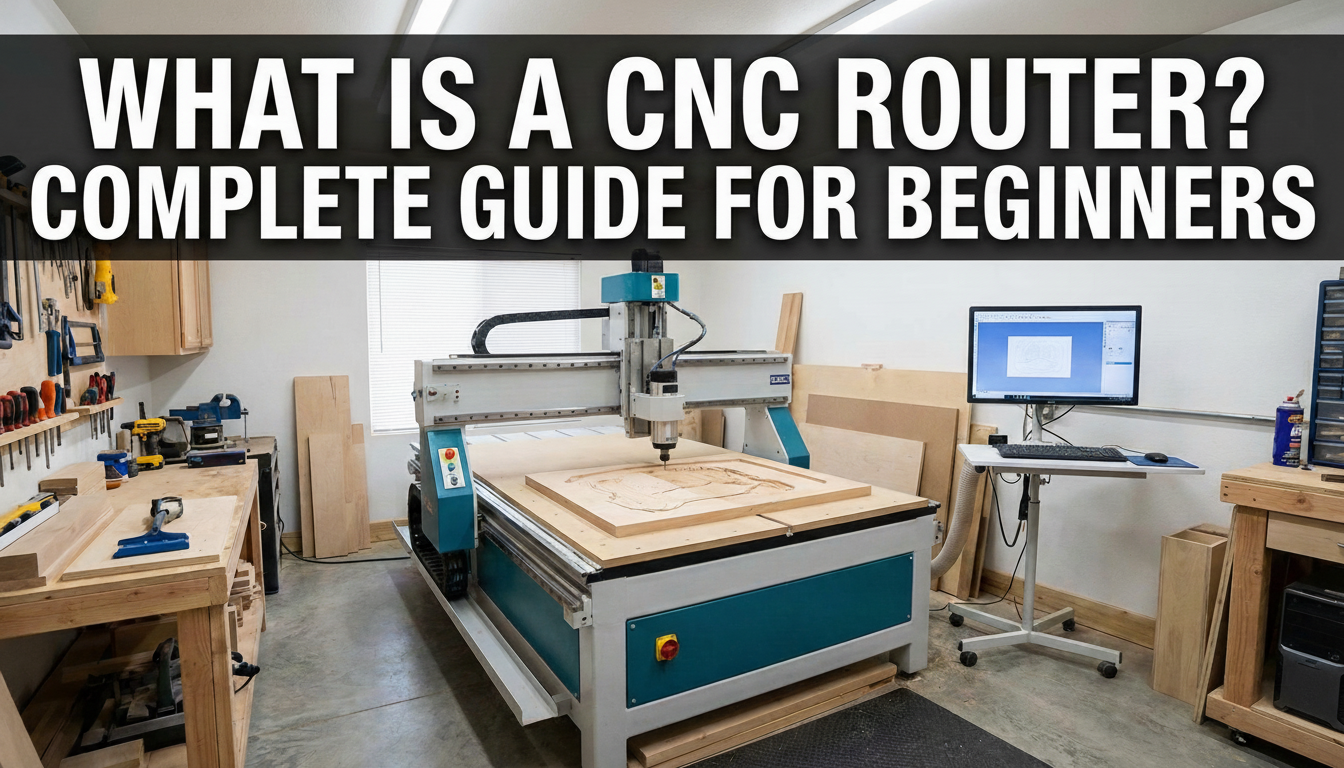
A CNC router is a computer-controlled cutting machine used to cut, carve, and shape various materials including wood, plastic, foam, aluminum, and composites. CNC stands for Computer Numerical Control, which means the machine follows precise digital instructions to create accurate cuts and designs.
Unlike traditional handheld routers that require manual operation, a CNC router automates the entire cutting process. You design your project using CAD (Computer-Aided Design) software, convert it to machine instructions using CAM (Computer-Aided Manufacturing) software, and the CNC router executes the cuts with exceptional precision.
How Does a CNC Router Work?
CNC routers operate on a Cartesian coordinate system, moving along three axes:
- X-axis: Left and right movement
- Y-axis: Forward and backward movement
- Z-axis: Up and down movement (controls cutting depth)
The machine reads G-code instructions that tell the spindle exactly where to move and how fast to cut. A high-speed spindle holds various cutting bits that rotate at thousands of RPM to remove material precisely according to your design.
Key Components of a CNC Router
Every CNC router consists of these essential components:
- Frame/Gantry: The structural support that holds everything together
- Spindle: The motor that rotates the cutting bit
- Drive System: Motors and lead screws that control movement
- Controller: The computer brain that interprets G-code
- Work Table: The surface where materials are secured
Types of CNC Routers
CNC routers come in various sizes and configurations to suit different needs:
Desktop CNC Routers
Compact machines ideal for hobbyists, makers, and small businesses. Desktop CNC routers typically have work areas under 24" x 24" and are perfect for signs, small projects, and prototyping. They're affordable and fit in home workshops.
Mid-Size CNC Routers
These machines offer work areas around 4' x 4' and bridge the gap between hobby and industrial use. They're popular with small production shops and serious woodworkers who need more capacity.
Industrial CNC Routers
Full-size machines with 4' x 8' or larger work areas designed for production environments. Industrial CNC routers feature powerful spindles, automatic tool changers, and heavy-duty construction for continuous operation.
Common Applications for CNC Routers
CNC routers are incredibly versatile machines used across many industries:
Woodworking
- Custom cabinetry and furniture
- Decorative panels and moldings
- Signs and lettering
- Musical instruments
Sign Making
- Dimensional letters and logos
- Carved wooden signs
- Acrylic and plastic displays
- Directional signage
Manufacturing
- Prototype development
- Jigs and fixtures
- Molds and patterns
- Packaging inserts
Benefits of Using a CNC Router
Investing in a CNC router offers numerous advantages for businesses and hobbyists alike:
Precision and Repeatability
CNC routers can achieve accuracy within thousandths of an inch. Once you perfect a design, the machine reproduces it exactly the same way every time, whether you're making one piece or one thousand.
Increased Productivity
A CNC router works faster than manual methods and operates continuously without fatigue. Complex designs that would take hours by hand can be completed in minutes.
Design Flexibility
With CNC technology, intricate patterns and 3D carvings become possible. You can easily modify designs, test variations, and produce custom work without significant additional effort.
Reduced Waste
Computer-optimized cutting paths minimize material waste through efficient nesting of parts. This saves money on materials and reduces environmental impact.
Getting Started with CNC Routing
If you're considering adding a CNC router to your workshop or business, here's what you need to know:
Software Requirements
You'll need CAD software to create designs and CAM software to generate toolpaths. Many programs combine both functions for a streamlined workflow. Options range from free open-source tools to professional software suites.
Learning Curve
While CNC routing requires learning new skills, most operators become proficient within weeks. Start with simple projects and gradually tackle more complex work as your confidence grows.
Workspace Considerations
CNC routers require adequate space, proper dust collection, and appropriate electrical service. Consider noise levels and ventilation when planning your setup.
Ready to Explore CNC Routers?
CNC routers have revolutionized manufacturing and woodworking, making precision cutting accessible to businesses of all sizes. Whether you're a hobbyist looking to expand your capabilities or a business seeking to increase production efficiency, there's a CNC router suited to your needs.
Browse our selection of CNC router machines to find the perfect fit for your workshop. Our team is ready to help you choose the right equipment and get started on your CNC journey.
Ready to get started?
Browse our equipment inventory or get in touch with our team for expert advice on your next project.